
The 2026 Tech, Smart Home & AI Resource Hub
A practical guide to smart home compatibility, free AI workflows, and desk setup essentials, with hand-picked Amazon links.
As an Amazon Associate, we earn from qualifying purchases at no extra cost to you. Prices change often, so always check the current price on Amazon.
🔎 How We Pick
Every product on this page has to pass the same four checks before we link to it.
- Compatibility first: it works with Apple Home, Google Home, or Alexa, and its hub requirements are clearly stated.
- No forced subscription: core features work without a monthly fee.
- Clear specs: the manufacturer publishes specs and compatibility details we can point to.
- Buyer feedback: we read recent Amazon reviews and look for problems that keep coming up.
Our notes are based on manufacturer specs and published buyer feedback, not lab testing. We do not show prices here because they change often, so check the Amazon listing before you buy.
⚡ Quick Compatibility Matrix (At a Glance)
- Matter / Thread: Cross-platform standard. Works across Apple Home, Google Home, and Amazon Alexa without ecosystem lock-in. Thread devices need a Thread border router (many smart speakers and hubs include one).
- Local Storage (No Monthly Fees): Prioritize cameras with built-in eMMC storage, microSD slots, or local base stations to avoid $3–$10/month cloud fees.
- Wi-Fi 2.4GHz vs. 5GHz: Most budget smart plugs and sensors only connect to 2.4GHz bands. Make sure your dual-band router lets you use the 2.4GHz network during setup.
📊 Quick Comparison
| Device | Connection | Hub needed? | Monthly fee |
|---|---|---|---|
| EufyCam 2C Pro | HomeBase (Wi-Fi or Ethernet) | Yes (HomeBase, included in the starter kit) | None for local storage |
| Aqara U100 Smart Lock | Thread (Matter) / Bluetooth | Thread border router for Matter | None |
| Tapo P125M Matter Plug | Wi-Fi 2.4GHz (Matter) | No | None |
🏆 Top Recommended Smart Devices
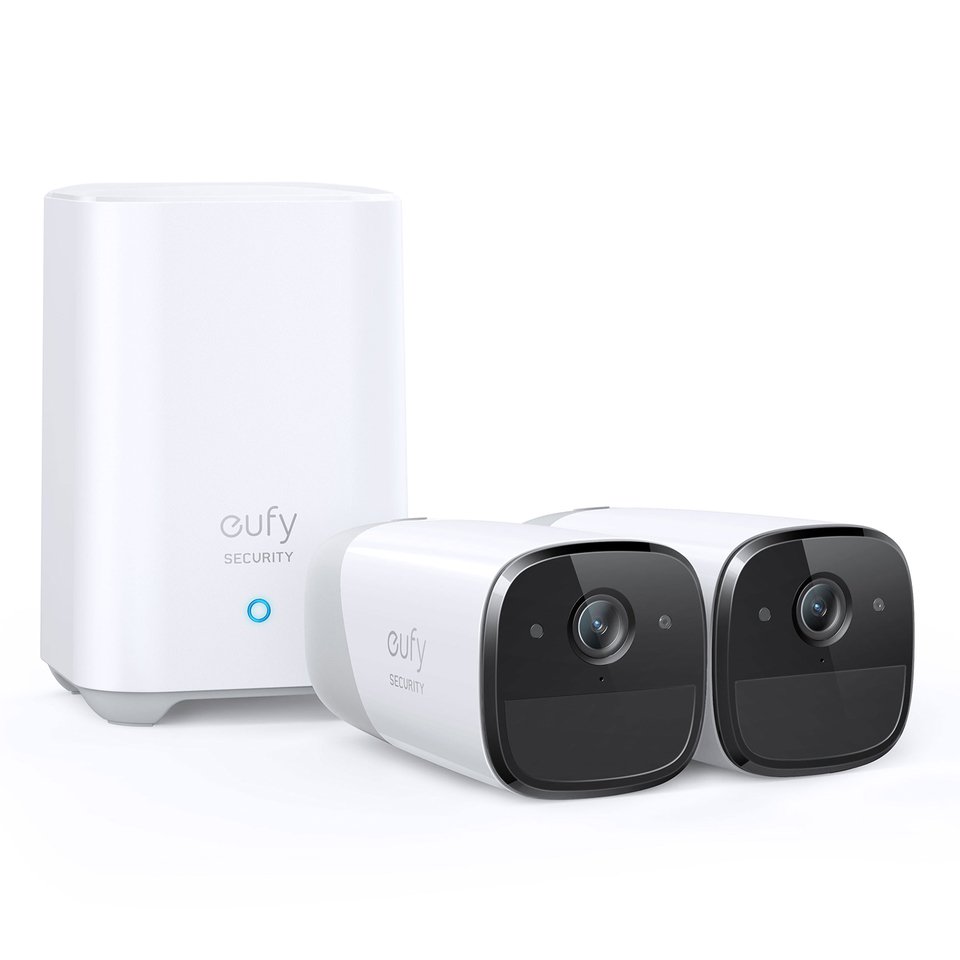
1. Our Pick for Security Cameras: EufyCam 2C Pro
Key Advantage: Stores encrypted 2K video locally on the HomeBase. Rated up to about 180 days of battery life under typical use; heavy motion activity shortens this.
- Pros: No subscription required, 2K video, long battery life.
- Cons: Needs the HomeBase, and it is an older model that does not support Matter.
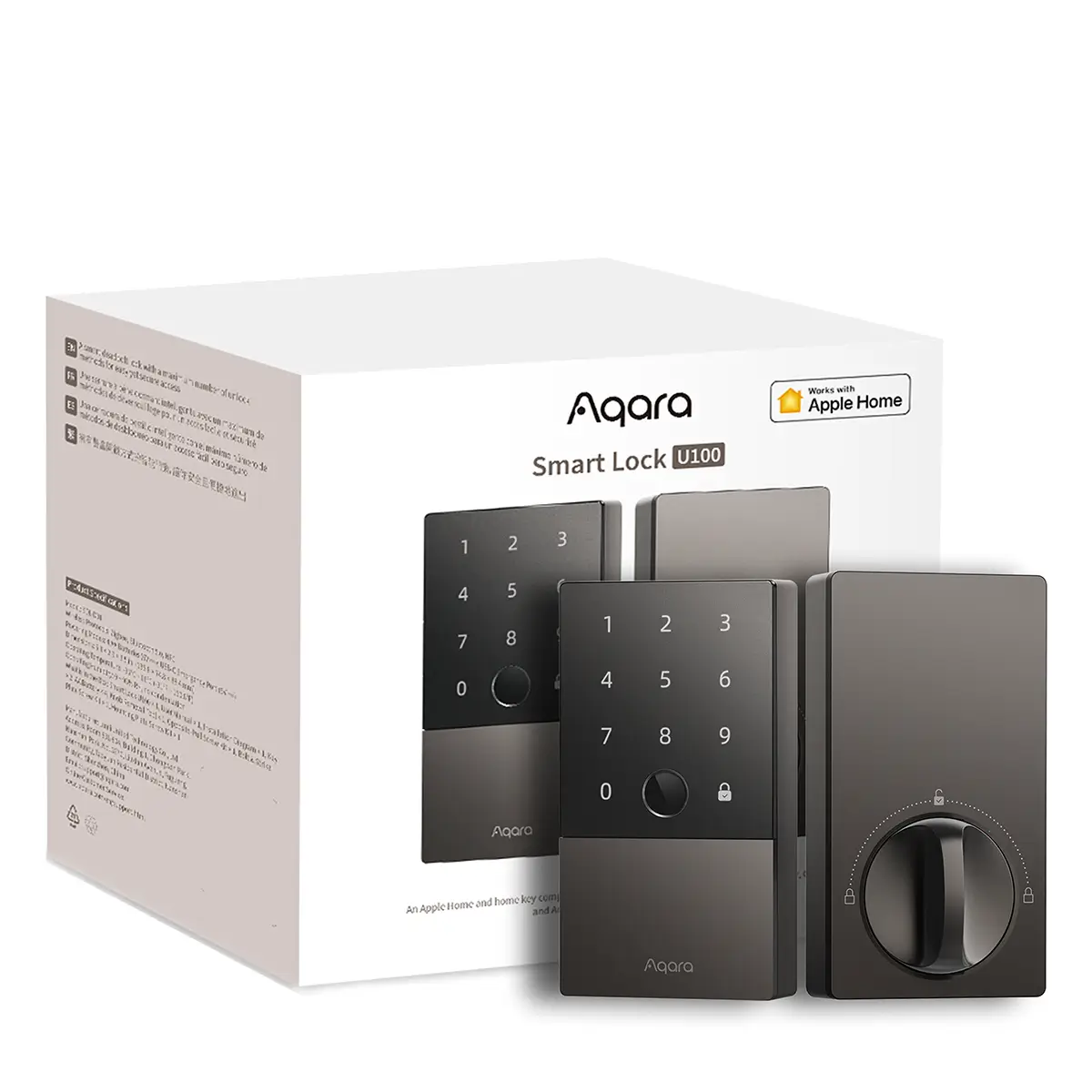
2. Our Pick for Keyless Entry: Aqara U100
Key Advantage: Fast fingerprint recognition, a physical emergency backup key, and auto-lock detection.
- Pros: Fingerprint, code, and key options; works with the major smart home ecosystems.
- Cons: Matter features need a Thread border router; check your door’s deadbolt fit first.
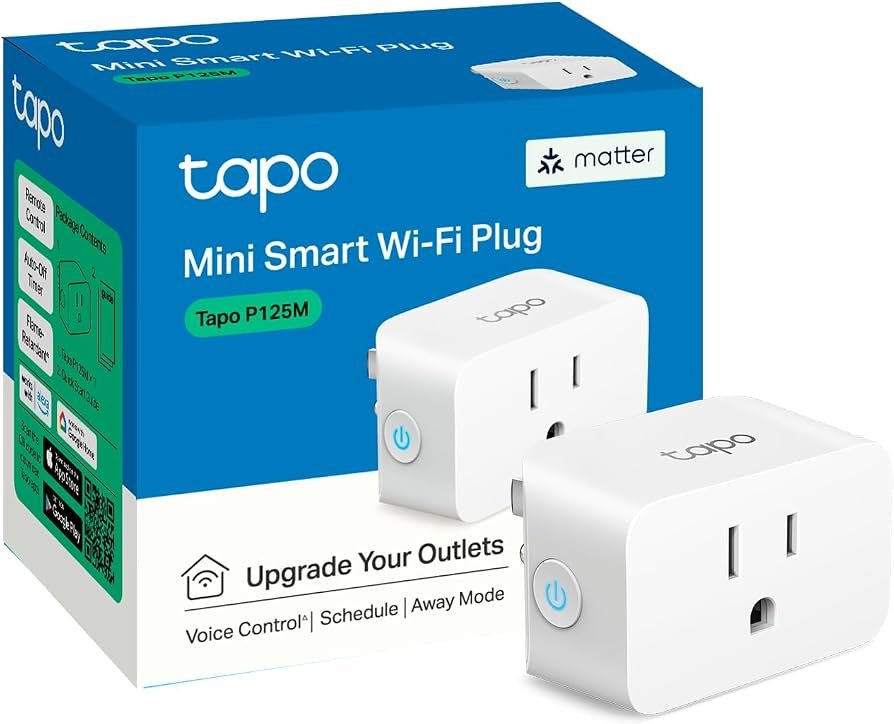
3. Our Pick for Smart Plugs: Tapo P125M Matter Smart Plug (4-Pack)
Key Advantage: Timers and schedules, phone and voice control, and a compact design that leaves the neighboring outlet free.
- Pros: Works across ecosystems, no hub required, good value in a multi-pack.
- Cons: 2.4GHz Wi-Fi only; check the listing if you need energy monitoring.
⚡ Free AI Workflow Blueprint (2026)
Grab our free workflow and prompt kit to turn ideas into content faster with AI.

Free AI Content Engine: 10-page SOP + Prompt Kit
What you get: Turn 1 long-form video into 10 content assets in about 30 minutes. The workflow uses three tools (Clipto.ai for transcripts, ElevenLabs for narration, OpusClip for vertical clips), and the prompts keep AI output tied to your own source material.
- The 10 assets: 5 vertical short clips, a clean transcript, an SRT caption file, an X/LinkedIn post, a key-lessons summary, and a voiceover version.
- Copy-paste prompts: transcript summary, X/LinkedIn post, and voiceover script formatting.
- Step-by-step SOP: from raw video to transcript, studio-style audio, and 9:16 clips.
- 5-minute checklist: a quick quality check to run before you hit publish.
🖥️ Ultimate Desk Setup & Ergonomics Blueprint
Foundation pieces for clean cable management, better posture, and a more efficient workstation.
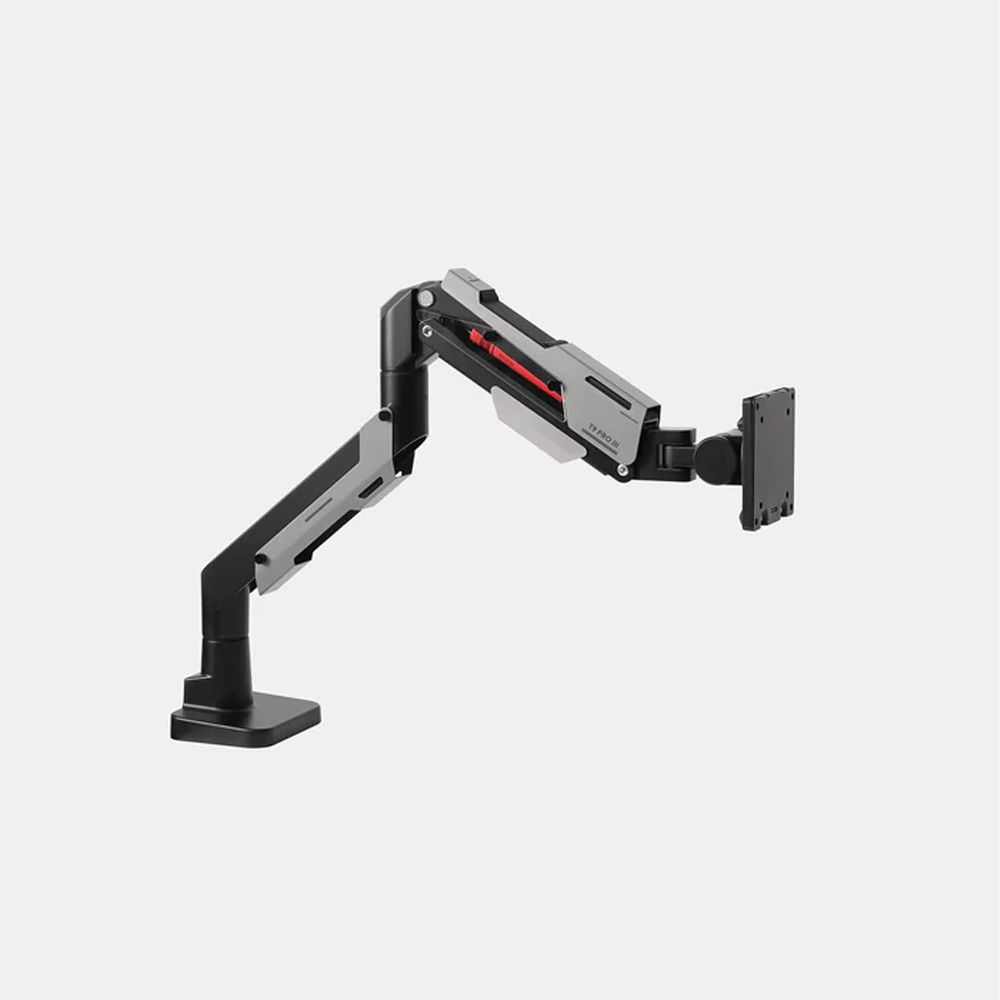
Gas Spring Monitor Arm with Cable Management
Key Advantage: Frees up a large part of your desk surface compared with a stock stand, and built-in cable channels keep power and DisplayPort cords out of sight.
- Pros: More desk space, easy height and angle adjustment, tidier cables.
- Cons: Needs a VESA-compatible monitor and a desk edge that fits the clamp.
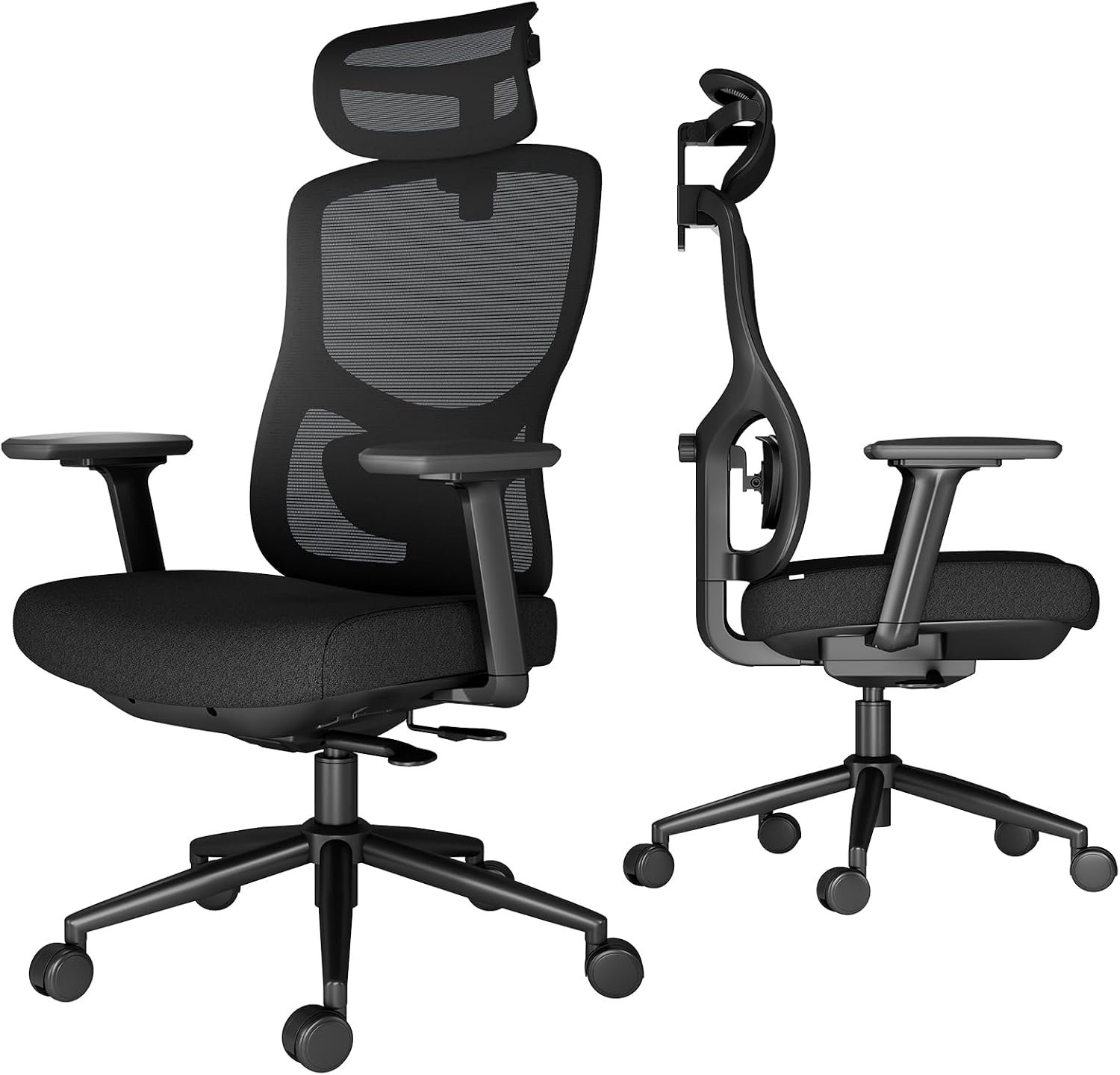
Quick Ergonomic Checklist for Your Desk
- Monitor: Top edge at or slightly below eye level, about an arm’s length away.
- Keyboard and mouse: Elbows near 90°, wrists straight, shoulders relaxed.
- Chair and feet: Feet flat on the floor or a footrest, with back support at the lower spine.
- Cables: Route power and display cords along the desk edge or a tray so they do not tangle at your feet.
💡 3 Golden Rules Before Clicking “Buy Now” on Amazon:
- Check for a “Clip Coupon” Box: Amazon tech and smart home listings sometimes show clickable coupons below the price. Availability and amounts vary.
- Confirm Hub Requirements: Verify whether accessories connect directly via Wi-Fi/Bluetooth or need a Zigbee, Z-Wave, Thread, or Matter bridge.
- Verify Matter & Platform Certification: For households mixing Android phones and iPhones, choose devices that display the official Matter logo for universal control.
About Best Value Lab
Written by Lisa by Best Value Lab.
Best Value Lab publishes practical guides on AI workflows and tech for creators and lean teams. This page collects the gear and tools we point people to most often.
When you buy through our Amazon links, we may earn a commission at no extra cost to you. That income keeps the guides and free downloads available.
Spotted something outdated? Let us know at bestvaluelab.com.