The 1-to-10 AI Content Engine: How to Turn 1 Video into 10 Assets in 30 Minutes (Clipto + ElevenLabs + Opus Clip)
🖥️ Get The Ultimate Desk Setup & Ergonomic Buyer Guide
Verified budget-friendly peripherals, cable management tricks & setup blueprints.
Discover how to automate your content pipeline using Clipto, ElevenLabs, and Opus Clip. Transform 1 recording into 10 multi-platform assets in under 30 minutes.

Creating consistently across multiple social platforms is exhausting if you do it manually.
Most creators believe the only way to scale their presence is to spend 40 hours a week filming, writing, slicing clips, and formatting text for each separate channel.
The harsh reality? Top creators and media brands do not create more content from scratch. They build repurposing systems.

In this breakdown, we reveal our complete 1-to-10 AI Content Engine—an automated 30-minute pipeline combining Clipto, ElevenLabs, and Opus Clip to turn a single raw recording into:
- 5 Viral short-form vertical videos (Reels, Shorts, TikTok)
- 1 High-converting blog article / newsletter
- 1 Clean audio podcast summary with studio voiceover
- 3 Punchy social threads and visual quote posts
Let’s dive into the end-to-end workflow step by step.
The Core Philosophy: Input Once, Multiply Automatically
A sustainable content workflow requires three foundational layers:
- Extraction Layer: Transcribing and pulling structured insights from raw footage.
- Narration Layer: Producing studio-quality voiceovers without expensive studio microphones.
- Distribution Layer: Slicing, reframing, and formatting video assets for dynamic mobile consumption.
Here is how each tool powers this engine:
[ Raw Video / Podcast ]
           │
           ▼
     ┌───────────┐
     │  Clipto   │ ──► Transcripts, Summaries, Key Quotes & Blog Drafts
     └───────────┘
           │
           ├──────────────────────────────┐
           ▼                              ▼
    ┌─────────────┐                ┌─────────────┐
    │ ElevenLabs  │                │  Opus Clip  │
    └─────────────┘                └─────────────┘
           │                              │
           ▼                              ▼
  [ Audio Summaries & ]          [ 5 Vertical Clips ]
  [ Faceless Voiceover]          [ with Auto-Captions]
Step 1: Extract Accurate Transcripts & Outlines with Clipto
Everything starts with your raw input—a Zoom recording, a YouTube tutorial, a podcast conversation, or even a messy voice memo.
Rather than listening through the entire audio track to take notes by hand, we feed the file directly into Clipto.
👉 Try Clipto for Instant Transcription & Summaries Here
Why Clipto is the Engine’s Foundation:
- High-Accuracy Transcription: It correctly identifies technical jargon, acronyms, and multiple speakers without clumsy hallucinated phrases.
- Instant Structured Notes: With built-in AI summarization, Clipto extracts timestamped chapters, key takeaways, and memorable quote snippets in under 60 seconds.
- Foundation for Written Content: You can copy Clipto’s structured summary and immediately turn it into a 1,000-word SEO blog post or an email newsletter.
Step 2: Produce Studio-Grade Audio Narration with ElevenLabs

Once Clipto gives you the synthesized script or summary, you need clear, captivating audio for faceless video segments, podcast intros, or audio newsletters.
Instead of setting up acoustic foam, sound cards, and a $400 condenser microphone, we pass the refined script to ElevenLabs.
👉 Try ElevenLabs for Studio Voiceovers Here
Optimal Settings for Human-Like Cadence:
- Voice Model: Multilingual v2 or Turbo v2.5.
- Stability: Set to
45% – 55%(prevents monotone delivery and allows natural human inflections). - Clarity + Similarity: Set to
75% – 85%for crisp, broadcast-level clarity. - Micro-Pacing Tip: Add ellipses (
...) before critical punchlines to introduce natural breathing pauses.
In less than 90 seconds, you have an audio asset that rivals professional studio recordings.
Step 3: Auto-Generate 5 Viral Vertical Clips with Opus Clip
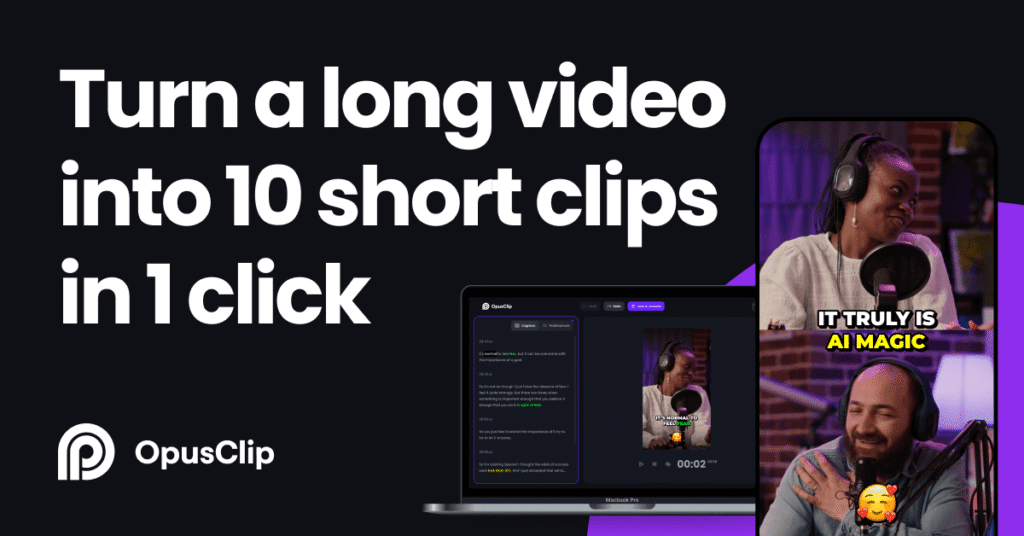
Now comes the distribution layer. You have the raw long video and the high-value moments identified in Step 1.
Instead of opening a timeline in Premiere Pro or CapCut and spending 3 hours cutting, zooming, and framing, paste your video link into Opus Clip.
👉 Start Repurposing Video with Opus Clip Here
How Opus Clip Powers Viral Discovery:
- AI Virality Score™: The algorithm scores extracted moments from 0 to 99 based on opening hooks, emotional peaks, and narrative pacing.
- Auto Face-Tracking (9:16): Converts horizontal 16:9 shots into vertical mobile video, keeping active speakers centered even during multi-person dialogue.
- Animated Karaoke Captions: Over 75% of mobile viewers browse without sound. Opus Clip auto-generates stylized, color-highlighted animated subtitles that increase viewer retention.
Export the top 5 scored clips and publish them directly across YouTube Shorts, Facebook Reels, and Pinterest Pins.
Summary of the 30-Minute Execution Checklist
| Time Window | Tool | Output Asset |
| 00:00 – 05:00 | Raw Recording $\rightarrow$ Clipto | Full transcript, timestamped bullet points, and core quotes. |
| 05:00 – 15:00 | Text $\rightarrow$ ElevenLabs | Studio-quality audio summary and voiceover narration. |
| 15:00 – 25:00 | Video Link $\rightarrow$ Opus Clip | 5 Vertical clips (9:16) with hook scores and animated captions. |
| 25:00 – 30:00 | Social Scheduler | Schedule distribution across Blog, YouTube, Facebook, and Pinterest. |
Build Your Automated Content Engine Today
By combining these three specialized tools, you transition from a stressed, overworked video editor to an efficient digital media architect:
- Get Started with Clipto for accurate transcription and note generation.
- Get Started with ElevenLabs for realistic human narration.
- Get Started with Opus Clip for instant automated short-form video slicing.
🎁 Free Download: The 1-to-10 AI Content Engine (10-Page Blueprint)
Want our complete, step-by-step Standard Operating Procedure (SOP) with copy-paste prompt templates, parameter cheat-sheets, and automation triggers?
We packaged the exact end-to-end framework into an actionable, zero-fluff 10-page guide.
- Full step-by-step pipeline diagrams
- Copy-paste prompt templates for each stage
- 100% free PDF download
👉 Download the Free 10-Page Content Engine Blueprint Here