Clipto AI vs. Descript (2026): Which AI Transcription & Subtitle Tool Is Right for You?
When it comes to editing spoken video content in 2026, two powerful tools dominate modern creator discussions: Descript and Clipto.ai.
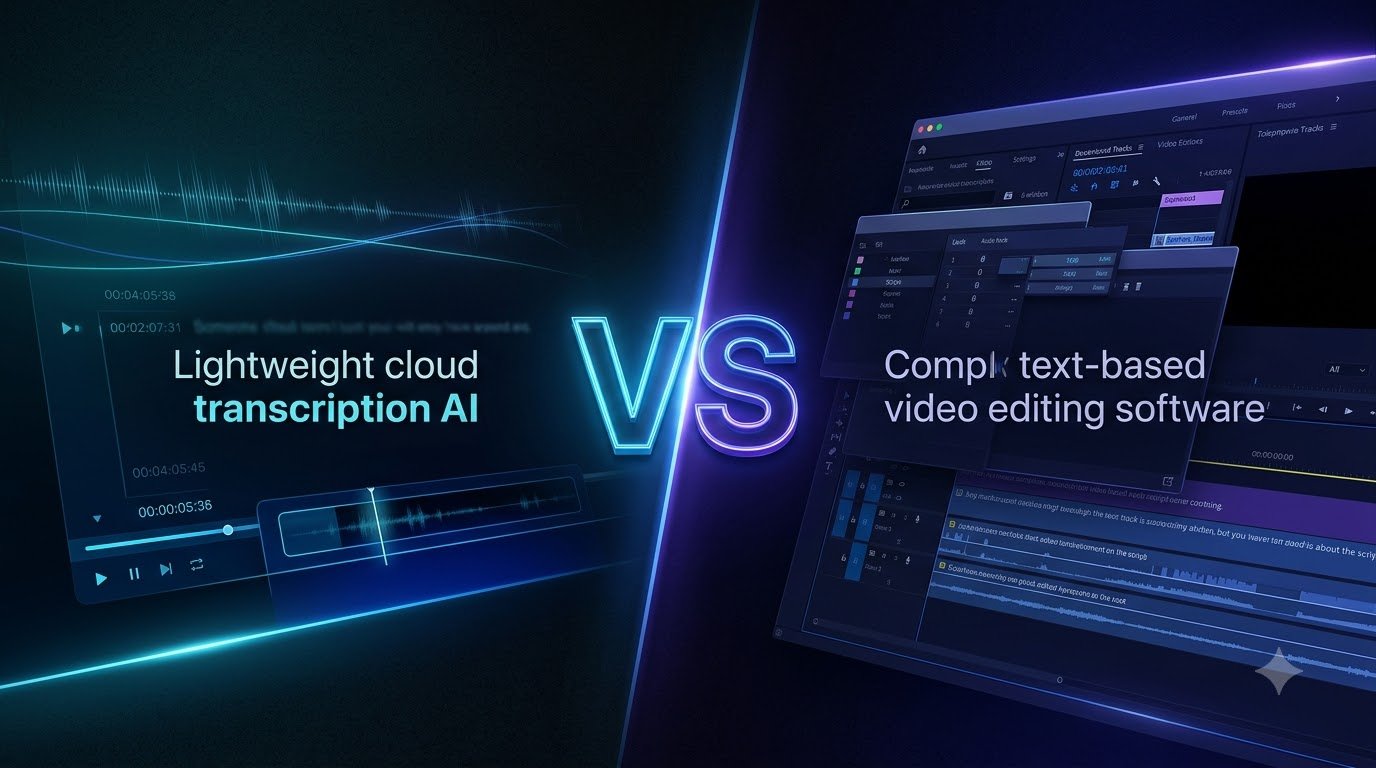
Descript revolutionized video editing by letting creators edit footage by modifying text. However, as the software grew, it transformed into a heavy, resource-intensive desktop application packed with complex timelines and restrictive monthly transcription limits.
On the other side, Clipto.ai has emerged as the agile, cloud-native powerhouse focused purely on massive file capacity (up to 6 hours), lightning-fast transcription, and seamless subtitle exports.
If you are trying to decide which tool belongs in your content production stack, this comprehensive comparison will help you make the right choice.
💡 Quick Verdict: Choose Descript if you want an all-in-one, text-based timeline video editor and have a powerful workstation. Choose Clipto.ai if you already use dedicated editing software (like CapCut, Premiere Pro, or DaVinci Resolve) and need a lightweight cloud engine to transcribe massive 6-hour files with zero lag, instant SRT export, and 99+ language support.
⚡ Try Clipto AI Free + Get Repurposing Blueprint →✓ Up to 6-Hour Files • Smart Speaker Tagging • No Credit Card Required
Head-to-Head Comparison: Clipto AI vs. Descript
| Feature | Descript | Clipto.ai |
|---|---|---|
| Primary Philosophy | All-in-One Text-Based Video Editor | Dedicated AI Transcription & Caption Engine |
| Platform / Footprint | Heavy Desktop App (Mac/Windows) | Cloud-Based (Browser Native / Zero Lag) |
| File Duration Capacity | Strict monthly hour quotas | Up to 6 Hours Continuous per File |
| Subtitle Export (SRT/VTT) | Supported (often nested inside complex menus) | One-Click Native SRT/VTT Exports |
| Language & Dialect Support | Strong in English, limited secondary languages | 99+ Languages & Global Accents |
| System Resource Usage | High (demands modern RAM & GPU) | Zero (Processed on Cloud Servers) |
| Ideal For | Podcasters wanting an all-in-one studio | Video Editors & High-Volume Repurposers |
1. System Performance: Heavy Desktop Software vs. Agile Cloud Processing
The most immediate difference you will notice when using both tools is performance overhead:
- Descript: Operates as a heavy desktop application. If you work on multi-gigabyte 4K recordings or uncompressed audio files, Descript can quickly eat through your system RAM, leading to spinning wheels, sluggish timelines, and lengthy export rendering times.
- Clipto.ai: Runs entirely inside your web browser. You upload your footage directly to high-speed cloud infrastructure. The transcription, speaker diarization, and timecode sync happen remotely—meaning your local machine stays fast and cool even when processing a massive 6-hour uncompressed file.
Winner: Clipto.ai for speed and low hardware requirements.
2. File Length & Workflow Philosophy
How do you actually prefer to edit your videos?
- Descript’s “All-in-One” Approach: Descript wants to be your complete editing suite. It lets you record, strip out filler words, delete pauses by deleting text, and apply AI voice cloning. But if you already love editing in CapCut, Adobe Premiere, or Final Cut, Descript’s proprietary timeline can feel like an unnecessary extra layer of friction.
- Clipto’s “Modular Speed” Approach: Clipto is purpose-built to fit directly into your existing video workflow. It ingests files up to 6 hours continuous, accurately splits speakers, and lets you immediately export clean
.SRTor.VTTsubtitle tracks and formatted.TXTfiles to feed into LLMs or drop straight onto your Premiere or CapCut timeline.
📌 Want to see how we turn 1 long video into 10 social clips in under 20 minutes?
👉 Download our Free Video Repurposing Blueprint & Tool Setup Here →
3. Multilingual Support & Accent Recognition
In global content distribution, accurate language handling is crucial:
- Descript: Highly refined for standard American and British English. While it has expanded language offerings, accuracy tends to drop sharply when handling regional dialects, slang, or non-English audio files.
- Clipto.ai: Built from the ground up to support 99+ languages and dialects. It excels at detecting diverse speakers, overlapping voices, and non-native English accents, making it far more reliable for international creators and global interview shows.
Winner: Clipto.ai.
4. Subtitle Precision & Video Editor Handoff
For short-form editors (TikTok, Reels, YouTube Shorts), subtitle accuracy and format compatibility are everything:
- Descript: Offers built-in kinetic captions, but exporting subtitle files for third-party editors can sometimes be tedious, with occasional formatting quirks when imported into CapCut or DaVinci Resolve.
- Clipto.ai: Designed specifically for clean exports. You get millisecond-accurate timestamps with industry-standard SRT/VTT formatting, allowing you to instantly style your captions inside your favorite editing tool without adjusting timing drifts.
Which Tool Should You Choose in 2026?
Choose Descript if:
- You do not know how to use traditional video editors (Premiere, DaVinci, CapCut) and prefer editing video like a text document.
- You need AI voice cloning (Overdub) or Studio Sound voice enhancement within a single app.
- You have a powerful desktop computer with high-end RAM and GPU specs.
Choose Clipto.ai if:
- You already use CapCut, Premiere Pro, or DaVinci Resolve and simply need the fastest speech-to-text engine available.
- You work with massive recordings (2 to 6 hours continuous) and refuse to deal with file slicing or monthly hourly limits.
- You want a cloud-native tool that doesn’t slow down your computer.
- You produce content in multiple languages or interview international guests.
- Your goal is high-speed content repurposing (turning long podcasts into viral short clips and written newsletters).
Final Thoughts & Free Creator Blueprint
Descript remains an impressive all-in-one text video editor, but for creators who already have an established editing setup, it often adds unnecessary bloat and subscription cost.
Clipto.ai strips away the complexity, delivering a lightning-fast, 6-hour continuous transcription and subtitle engine that fits directly into any modern video pipeline.
Ready to Accelerate Your Video Workflow?
We have mapped out the exact step-by-step pipeline showing you how to pair Clipto with short-form editing tools to produce a week’s worth of high-engagement video content in one sitting.