Clipto AI Review (2026): The Best AI Transcription Tool for Long Audio & Video?
If you produce podcasts, manage YouTube channels, or edit client footage for a living, you already know the painful truth: manual transcription is the biggest productivity killer in modern content production.
The traditional workflow is brutal. You listen to 5 seconds of audio, pause, type, rewind, fix typos, and manually type timestamps. Worse, most legacy speech-to-text tools enforce a frustrating 45-minute file cap, forcing you to slice massive recordings into arbitrary pieces just to generate basic captions.
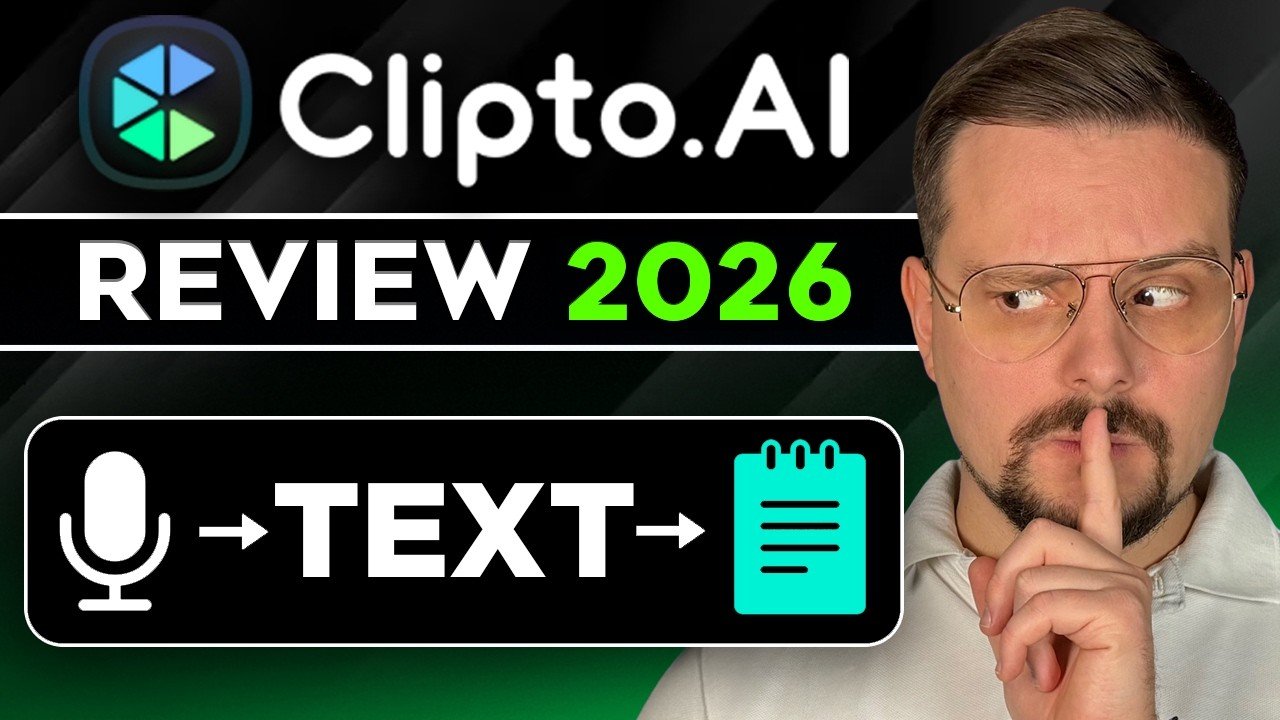
In this deep-dive review, we test Clipto.ai—an AI-powered transcription and translation engine designed specifically to handle large-scale audio and video files. We’ll break down its key features, accuracy benchmarks, real-world workflow integration, and whether it’s worth adding to your creative tech stack in 2026.
💡 Quick Verdict: Clipto.ai stands out as one of the few AI transcription engines capable of processing massive 6-hour continuous files without crashing. With millisecond-precise speaker diarization, 99+ language coverage, and instant SRT/VTT exports, it cuts post-production transcription time by over 80%.
⚡ 👉 Get Free Access & Explore Our Complete Video Workflow Blueprint →✓ Up to 6-Hour Files • Smart Speaker Tagging • No Credit Card Required
The Core Problem: Why Legacy Transcription Tools Fall Short
For years, content creators and media agencies have relied on conventional transcription services. While functional for short voice notes, they quickly fall apart under real-world production demands:
- Arbitrary File Length Limits: Most tools choke on files longer than 45 to 60 minutes. If you record a 2-hour interview or a 4-hour livestream, you must manually cut the file in Audacity or Premiere before processing.
- Speaker Confusion: When two hosts laugh or talk over each other, older engines blend the dialogue into an unreadable wall of text.
- Drifting Timecodes: Inaccurate subtitle alignment forces video editors to manually adjust subtitle blocks on their editing timeline.
- Expensive Per-Minute Rates: Traditional human transcription services charge $1.50 to $3.00 per audio minute, making high-volume content repurposing economically unviable for solo creators.
Clipto was built from the ground up to solve these specific operational bottlenecks.
Key Features & Breakdown: What Makes Clipto.ai Different?
1. Massive 6-Hour Continuous Upload Capacity
The standout feature of Clipto is its ability to ingest up to 6 hours of continuous uncompressed audio or video in a single pass. Whether you are dealing with all-day conference recordings, multi-hour client webinars, or lengthy podcast episodes, you can drop the raw file into the engine and let the cloud infrastructure process it without pre-splitting.
2. Millisecond-Accurate Speaker Diarization
Accurately distinguishing who said what is where AI transcription either saves your day or wastes your afternoon. Clipto’s speaker diarization algorithm tags dialogue by speaker labels (Speaker 1, Speaker 2, Guest, Host) with clean separation. Even during rapid cross-talk, the transcript clearly attributes quotes to individual speakers.
3. Global Language Support (99+ Languages & Accents)
Unlike tools optimized strictly for standard North American English, Clipto accurately transcribes and translates across 99+ languages. It reliably captures regional accents, technical jargon, industry buzzwords, and bilingual conversations, making it ideal for international creators and remote teams.
4. Direct Subtitle & Document Export Ecosystem
Once processing is complete, you aren’t locked into a proprietary dashboard. You can export your polished transcripts in industry-standard formats:
- .SRT & .VTT: Ready to drag directly into CapCut, Adobe Premiere Pro, DaVinci Resolve, or Final Cut Pro.
- .DOCX, .TXT, & .PDF: Formatted show notes and meeting minutes ready for clients or newsletters.
- Bilingual Side-by-Side Exports: Generate original text alongside translated subtitles for global distribution.
Step-by-Step: The High-Speed Repurposing Workflow
Here is the exact step-by-step pipeline we use at Best Value Lab to turn 1 raw recording into a multi-platform content engine:
1. **Step 1 (Ingest):** Upload your raw MP4/WAV file directly to Clipto. Select your spoken language and toggle multi-speaker detection on.
2. **Step 2 (Auto-Cleanup):** Review the transcript in the interactive editor. Click any word to jump directly to that exact audio timestamp.
3. **Step 3 (Export):** Download the `.SRT` file for instant social captions, and export the `.TXT` transcript.
4. **Step 4 (Amplify):** Feed the clean transcript into an LLM using prompt templates to extract key highlights, quotes, and newsletter drafts in minutes.
—
## Feature Comparison: Clipto.ai vs. Traditional Transcription
| Feature | Traditional Tools | Clipto.ai |
| :— | :— | :— |
| **Max File Length** | 45 – 60 Minutes | **Up to 6 Hours Continuous** |
| **Speaker Separation** | Poor / Manual Editing Required | **Advanced Diarization (Multi-Speaker)** |
| **Language Coverage** | 20 – 30 Main Languages | **99+ Languages & Accents** |
| **Subtitle Formats** | Basic TXT only | **SRT, VTT, DOCX, TXT, PDF** |
| **Turnaround Speed** | Hours / Days (Human) | **Minutes (Cloud AI Processing)** |
| **Cost Model** | Expensive per-minute fees | **Predictable SaaS / Free Trial available** |
—
## Who Is Clipto.ai Best For?
* **Podcast Producers & Solopreneurs:** Turn raw conversations into polished show notes and automated social clips without hiring extra assistants.
* **Video Editors & Agencies:** Eliminate the tedious manual subtitling phase and deliver client deliverables in hours instead of days.
* **Course Creators & Educators:** Convert long video lectures into downloadable study guides, translated subtitles, and accessible transcripts.
* **Media Repurposers:** Solo creators who want to transform long YouTube videos into dozens of viral TikToks, Shorts, and Reels every single week.
—
## Final Thoughts & Free Workflow Blueprint
If you want to scale your video output in 2026, you cannot afford to waste manual hours on audio transcription and subtitle alignment. Software should handle the repetitive mechanics so you can focus on creative storytelling and audience growth.
Clipto.ai delivers the capacity, accuracy, and export flexibility needed by serious modern creators.
### Ready to Upgrade Your Video Pipeline?
We’ve put together a step-by-step guide and prompt kit showing you how to combine Clipto.ai with short-form video editors to produce a week’s worth of content in an afternoon.
👉 **[Click Here to Test Clipto Free & Download Our Complete AI Workflow Blueprint](ht