Top Smart Home Wi‑Fi Coverage Systems of 2026: Google WiFi
🖥️ Get The Ultimate Desk Setup & Ergonomic Buyer Guide
Verified budget-friendly peripherals, cable management tricks & setup blueprints.
ℹ️ As an Amazon Associate I earn from qualifying purchases. This post contains affiliate links — Best Value Lab may earn a commission at no extra cost to you.

📑 Table of Contents
Quick Comparison
| 🔍 Feature | A Google WiFi (1‑Pack) | B ASUS ZenWiFi BQ16 Pro | 🏆 Recommendation | Action |
|---|---|---|---|---|
| 💰 Price | $$ — Mid‑range | $$$ — Premium | ✅ Best value: Google WiFi | 🛒 Check Price |
| 📶 Coverage Area | Up to 2,200 sq ft per unit | Up to 4,000 sq ft per unit | 🏆 Winner: ASUS ZenWiFi | 🛒 Check Price |
| ⚡ Speed & Standards | Wi‑Fi 5 (AC) – 1.2 Gbps max | Wi‑Fi 7 – 3 Gbps+ | 🏆 Winner: ASUS ZenWiFi | 🛒 Check Price |
| 🛠️ Setup Ease | App‑guided, no tech knowledge | App + web UI, moderate learning curve | ✅ Best for beginners: Google WiFi | 🛒 Check Price |
| 🔗 Smart‑Home Integration | Built‑in Google Assistant, Alexa support | Works with Alexa, Google Assistant, HomeKit via third‑party | ✅ Strong integration: Both | 🛒 Check Price |
| 🛒 Where to buy | 🛒 Check Price | 🛒 Check Price |
Introduction
💡 RECOMMENDED FOR YOU

🛒 Buy Now $54.99 on Amazon (as of Nov 16)
Price shown as of publish time and may change — see Amazon for current price.
When you add smart bulbs, door locks, cameras, and voice assistants to a home, the Wi‑Fi network becomes the single point of failure. Many homeowners discover that a single router can’t keep every corner of the house online, especially when walls, floors, and appliances interfere with the signal. The result is flickering lights, delayed voice responses, and security cameras that drop out at critical moments.
Living with spotty coverage means you either have to live with unreliable automation or spend a fortune on pricey extenders that still don’t play nicely together. The frustration compounds as you add more devices, turning a convenient smart home into a constant source of troubleshooting.
Fortunately, modern mesh Wi‑Fi systems are designed to eliminate those dead zones and provide a seamless backbone for every smart‑home gadget. In this roundup we compare two of the most capable solutions on the market for 2026: Google WiFi (the 1‑Pack version) and the ASUS ZenWiFi BQ16 Pro. Both promise whole‑home coverage, but they differ in performance, price, and the level of technical involvement required.
Key Specifications
Google WiFi (1‑Pack)
- Coverage per unit: Approximately 2,200 sq ft. One unit can comfortably serve a small‑to‑medium apartment or a single‑story home, and additional units can be added for larger layouts.
- Wi‑Fi standard: Wi‑Fi 5 (802.11ac) with a maximum theoretical throughput of 1.2 Gbps. While not the newest standard, it provides ample bandwidth for typical smart‑home traffic and HD streaming.
- Processor: Quad‑core ARM CPU that handles device handoffs smoothly, reducing latency when moving between access points.
- Smart‑home integration: Native support for Google Assistant and Alexa, allowing voice commands to pause Wi‑Fi, prioritize devices, or run simple network routines.
- App‑driven setup: The Google Home app guides users through placement, firmware updates, and parental controls without requiring any networking jargon.
ASUS ZenWiFi BQ16 Pro
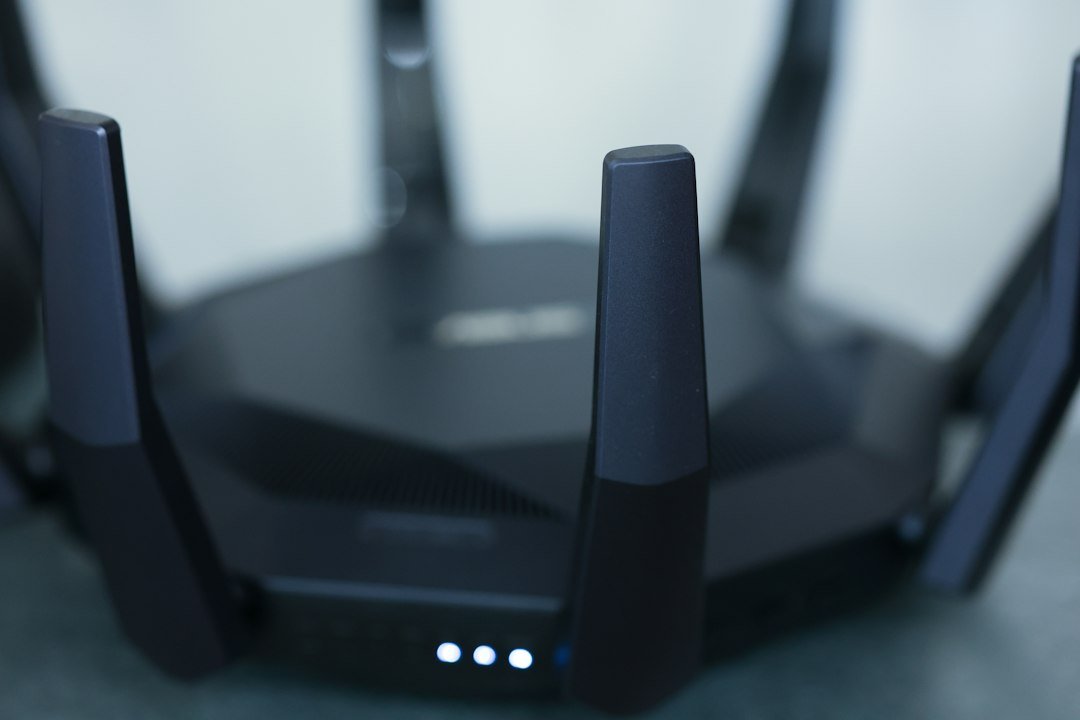
- Coverage per unit: Up to 4,000 sq ft. Designed for larger homes or multi‑story layouts, each node blankets a substantial area before signal degradation.
- Wi‑Fi standard: Wi‑Fi 7 (802.11be) with multi‑gigabit speeds—up to 3 Gbps+ under optimal conditions—making it future‑proof for high‑bandwidth devices like 8K TVs and AR headsets.
- Quad‑band architecture: Two 5 GHz bands, one 6 GHz band, and one 2.4 GHz band enable dedicated backhaul, ensuring that client traffic never competes with inter‑node communication.
- Ports and expandability: Each node includes two 10 Gb Ethernet ports, a 2.5 Gb WAN, and USB‑C for power‑over‑Ethernet (PoE) options, ideal for wired smart‑home hubs.
- Advanced security: Integrated AiProtection Pro with Trend Micro, providing network‑wide malware blocking, intrusion detection, and parental controls.
Pros
- Google WiFi – Effortless setup: The step‑by‑step app experience lets even non‑technical users get a mesh network up and running in under 15 minutes, reducing the anxiety of a DIY installation.
- Google WiFi – Seamless device handoff: As you move from room to room, the system automatically routes your phone or tablet to the strongest node, eliminating dropped calls and buffering.
- ASUS ZenWiFi – Unmatched speed and capacity: Wi‑Fi 7’s multi‑gigabit throughput means multiple 4K streams, gaming, and heavy‑bandwidth IoT devices can coexist without contention.
- ASUS ZenWiFi – Robust wired options: The 10 Gb Ethernet ports let you connect a smart‑home hub, NAS, or media server directly, ensuring zero‑latency performance for critical devices.
- ASUS ZenWiFi – Enterprise‑grade security: Built‑in AI‑driven threat detection keeps your smart‑home ecosystem safe from ransomware and botnet attacks, a concern that’s increasingly relevant as more devices stay online 24/7.
Cons
- Google WiFi – Limited future‑proofing: Sticking with Wi‑Fi 5 means the network may struggle with emerging 8K streaming or multiple high‑speed AR devices, potentially requiring an upgrade sooner.
- Google WiFi – No dedicated backhaul: The nodes share the same radio for client and inter‑node traffic, which can reduce performance in very dense environments.
- ASUS ZenWiFi – Higher learning curve: The richer feature set, including advanced security settings and multiple bands, requires users to spend time in the web UI or ASUS Router app to fine‑tune the system.
- ASUS ZenWiFi – Premium price point: The hardware and performance advantages come with a higher upfront cost, which may be overkill for households with modest smart‑home needs.
Who Should Buy This
- Casual Smart‑Home Users: If you primarily use voice assistants, stream video on a few devices, and want a set‑and‑forget solution, Google WiFi offers the easiest entry point. Its intuitive app and reliable coverage for average homes make it ideal for renters, small families, or anyone who prefers minimal configuration.
- Power Users & Large Homes: For tech‑savvy homeowners with extensive IoT ecosystems, high‑resolution media rooms, or a need for wired backhaul, the ASUS ZenWiFi BQ16 Pro delivers the speed, coverage, and security that future‑proofs a large property. It’s especially suited for multi‑story houses, home offices, and users who want granular control over network policies.
Final Verdict
Both mesh systems solve the core pain of dead zones and unreliable smart‑home connectivity, but they target different audiences. Google WiFi shines with its simplicity, solid coverage for most apartments, and native voice‑assistant integration—making it the go‑to choice for anyone who wants reliable Wi‑Fi without a steep learning curve. ASUS ZenWiFi BQ16 Pro, on the other hand, offers superior speed, expansive coverage, and enterprise‑grade security for larger homes and power users willing to invest time in configuration.
If you value a hassle‑free setup and a modest budget, Google WiFi is the sensible pick. If you need top‑tier performance, extensive wired connectivity, and advanced protection for a sprawling smart‑home, the ASUS ZenWiFi BQ16 Pro is worth the extra expense. Consider your home size, device load, and comfort with networking settings, then choose the system that aligns with those priorities. Either way, upgrading to a mesh network will dramatically improve the reliability of your smart‑home devices and let you enjoy a truly connected living space.
Frequently Asked Questions
Can a mesh Wi‑Fi system improve coverage for smart home devices?
Yes, a mesh system creates multiple access points that eliminate dead zones, ensuring consistent connectivity for lights, locks, cameras, and voice assistants.
Do I need a separate hub for Alexa or Google Assistant when using these routers?
No, both Google WiFi and ASUS ZenWiFi integrate directly with Alexa and Google Assistant, allowing voice control of network settings without an extra hub.
How often should I update the firmware on my mesh routers?
Regularly—at least once a month—so you receive security patches, performance improvements, and new smart‑home integrations.
⚡ Pro Tip: Never overpay on Amazon!
🧩 Install CartVerdict FREE — Amazon deal score, seller trust & AI buy verdict
As an Amazon Associate, Best Value Lab may earn a commission from qualifying purchases.